


We found that there’s not much clear information on AI translation costs. So we decided to make an experiment to find out: How much does it actually cost to translate a real project using AI localization in Crowdin?
Important: Often, this price will differ from platform to platform. It’s worth noting that our price will be clearly lower. Why? While many platforms add surcharges, Crowdin charges no fees for your AI consumption. You pay exactly the direct API rates charged by providers like OpenAI, Google, and Anthropic. This makes Crowdin the most cost-effective TMS with the widest choice of LLMs.
This gives you the freedom to experiment with different AI models and find the best fit for your needs while keeping your expenses at a minimum.
Cost of AI Translation: How We Ran the Tests
We tested 3 different content types common for the SaaS localization, translating from English into German, Spanish, and Japanese:
- Mobile App UI: Complex
.xmlfiles with metadata. - Help Center Articles: Long-form documentation synced via Zendesk.
- Marketing Emails: High-conversion content requiring visual context via SendGrid.
To get the most accurate data, we ran identical tasks through the popular models: GPT 5.2, Gemini 2.5-pro, and Claude Sonnet 4.5.
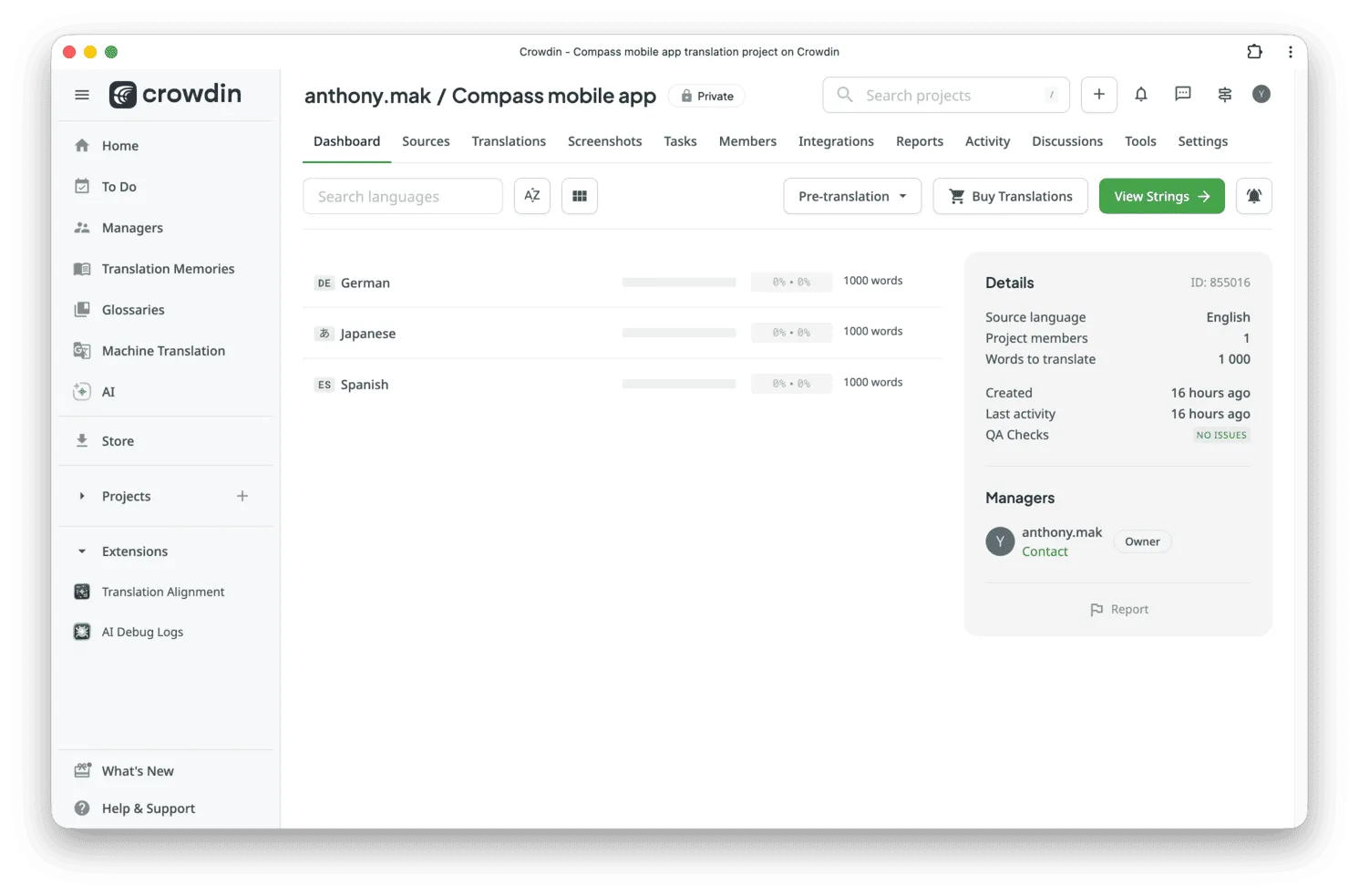
We used the standard Crowdin AI prompt for pre-translation without human review or custom glossary/translation memory injection.
For one test, we uploaded 2 screenshots with tagging, which were used as a context for AI.
1. Cost of the Mobile App UI AI translation
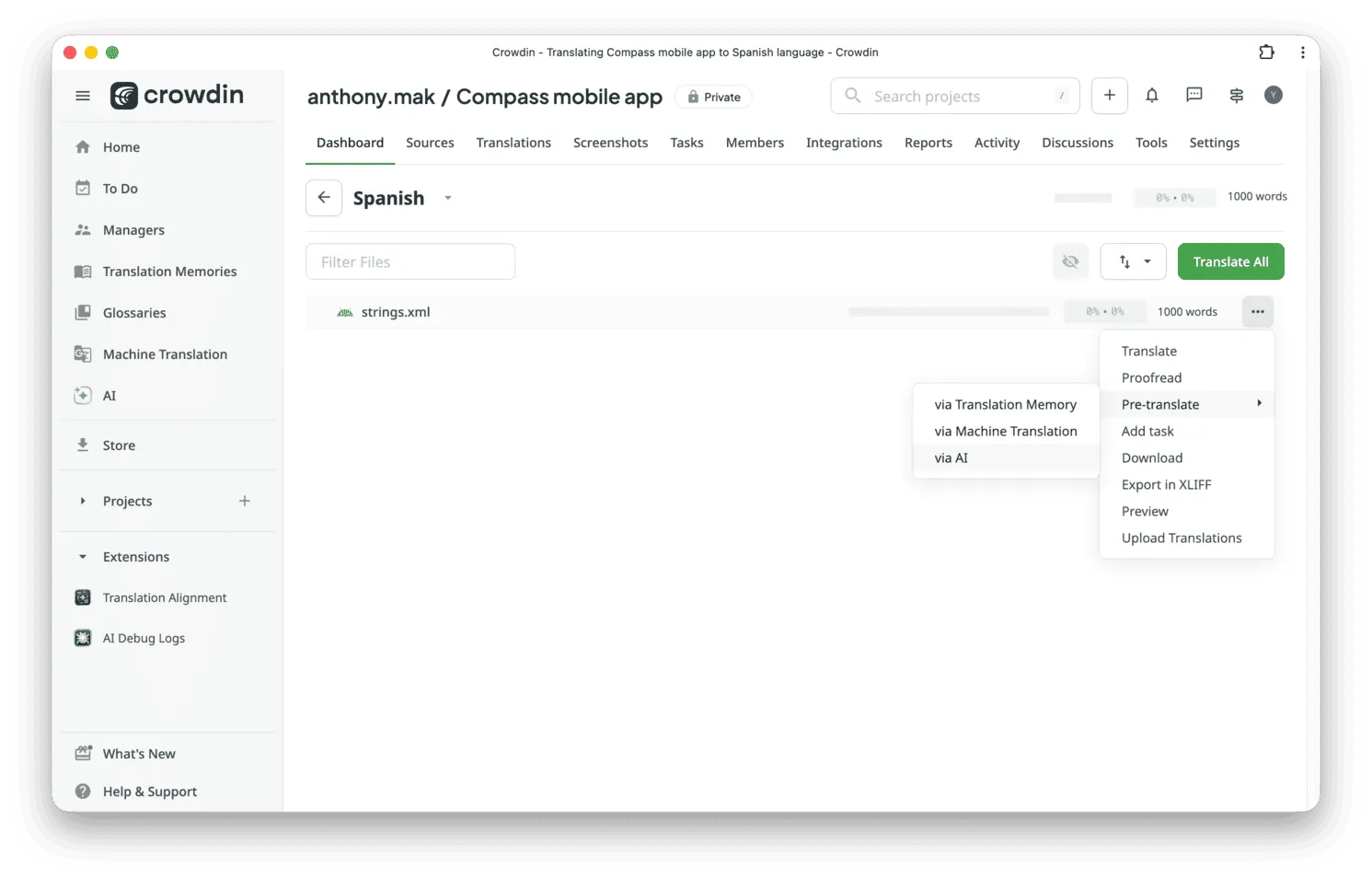
For this experiment, we created an .xml file with 1,000 words across 373 strings. Here’s the example of some Android app strings for translation:
<?xml version="1.0" encoding="utf-8"?><resources> <string name="action_login">Log In</string> <string name="action_signup">Sign Up</string> <string name="action_save">Save</string> <string name="action_cancel">Cancel</string> <string name="action_next">Next</string> <string name="action_back">Back</string> <string name="action_settings">Settings</string> <string name="action_close">Close</string> <string name="action_delete">Delete</string> <string name="action_submit">Submit</string></resources>Translating app interfaces involves processing code structure (metadata and keys), which increases the token count compared to plain text. The same goes for iOS localization and other mobile frameworks.
| Provider / 1,000 words across 373 strings (XML) | Cost (USD) | Cost (EUR) |
|---|---|---|
| GPT 5.2 | $0.45 | €0.40 |
| Gemini 2.5-pro | $0.61 | €0.54 |
| Sonnet 4.5 | $0.70 | €0.62 |
2. Cost of AI Translation of the Help Center Article
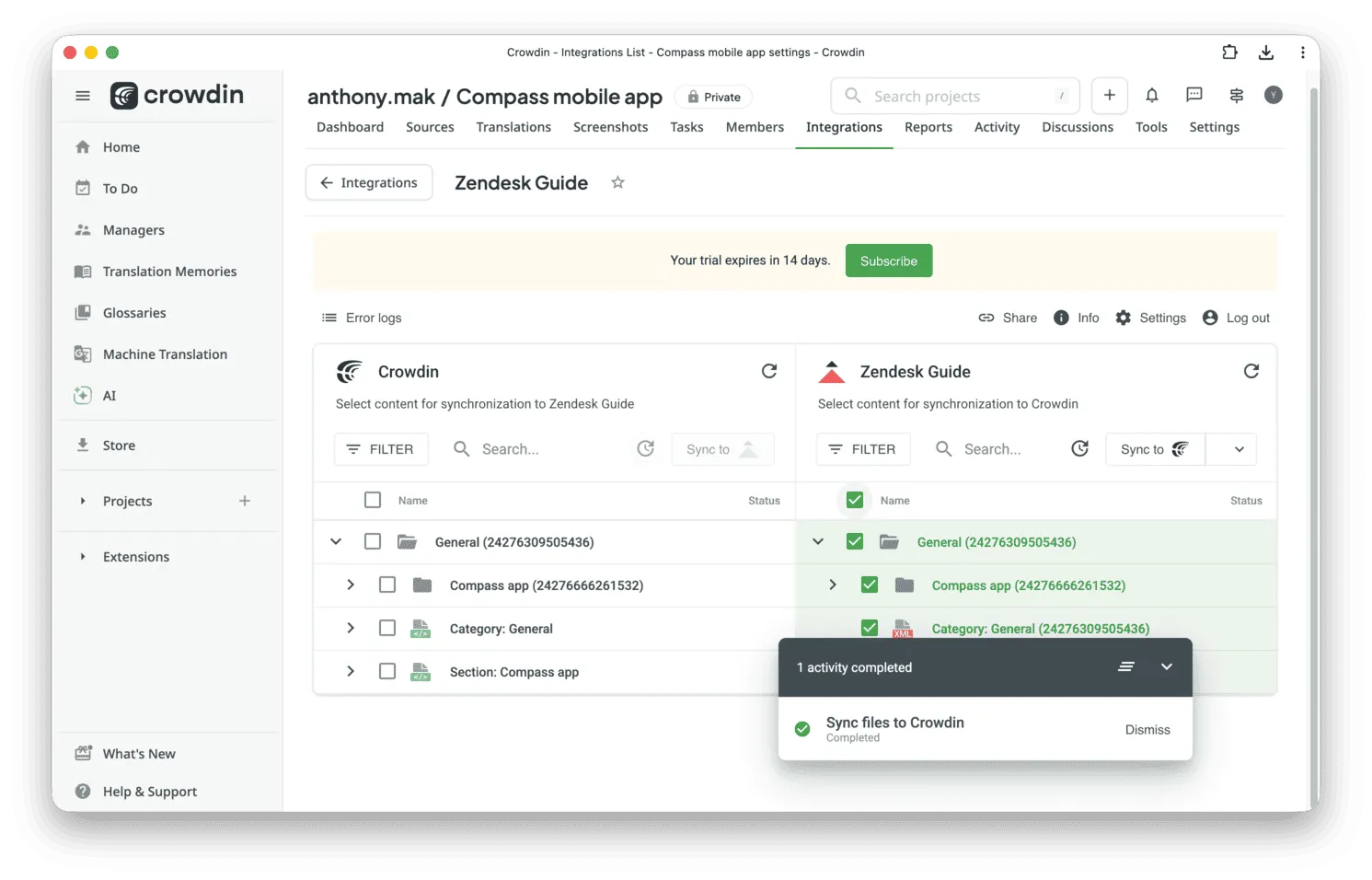
We uploaded a 1k-word article to the Zendesk knowledge base. Using the Zendesk x Crowdin integration, we synced the article to Crowdin, used AI pre-translate, and recorded all the received numbers.
| Provider / 1,000 words of long-form documentation (108 strings) | Cost (USD) | Cost (EUR) |
|---|---|---|
| GPT 5.2 | $0.26 | €0.23 |
| Gemini 2.5-pro | $0.37 | €0.33 |
| Sonnet 4.5 | $0.57 | €0.50 |
So we can see that UI string translation costs between 23% and 73% more than standard articles due to overhead tokens (such as <string name="...">).
3. Cost of Marketing Email AI Translation with Visual Context
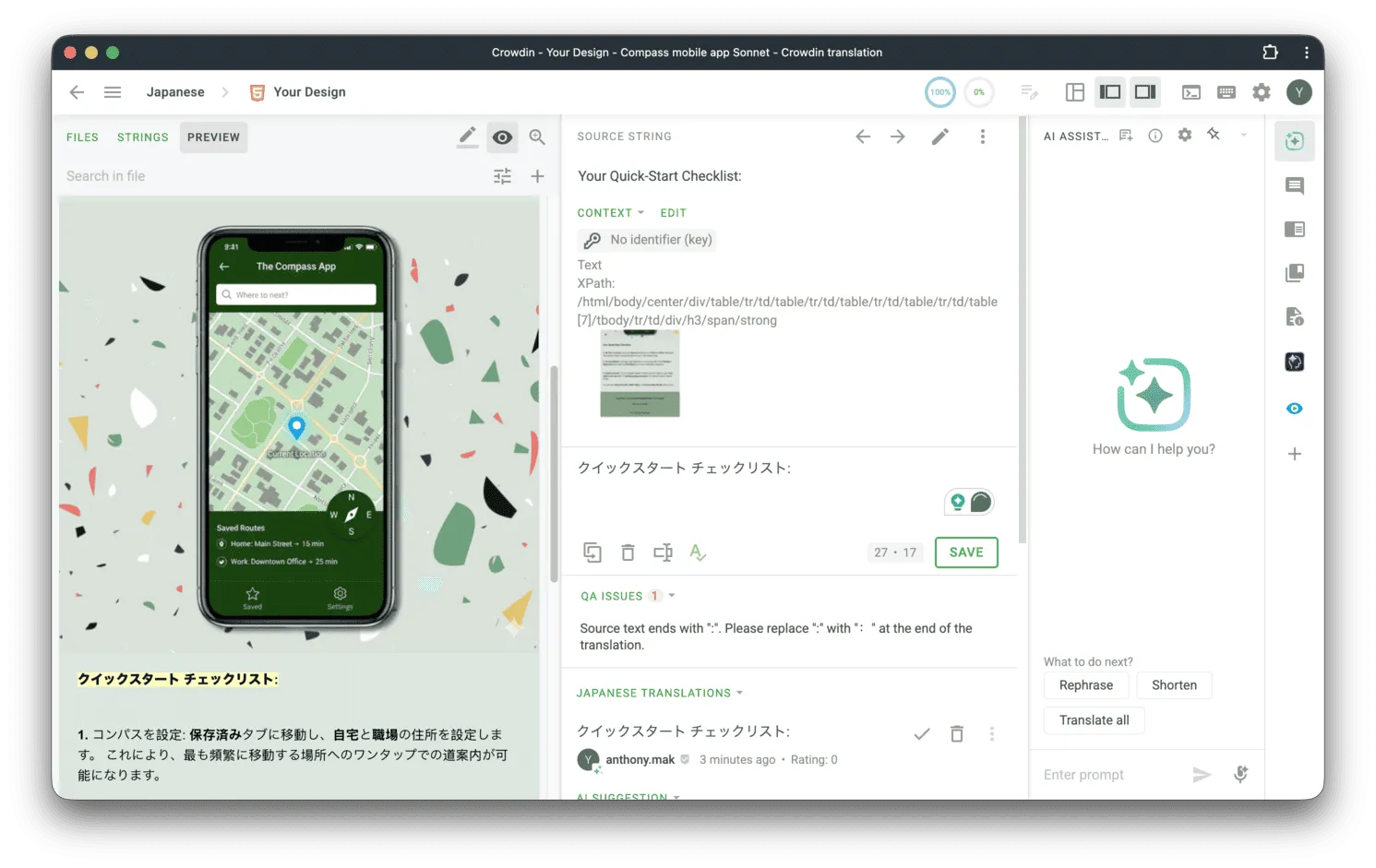
Marketing localization requires an understanding of layout and design, which is a part of a broader business translation strategy. To test this, we synced a “Thank you” email from SendGrid to Crowdin.
The email includes a preview in the editor, which can be useful for linguists during proofreading and transcreation.
This time, for context-aware translation, we decided to provide AI with 2 screenshots and used the auto-tagging feature in Crowdin. AI utilizes “multimodal” capabilities (vision), which impacts the final cost. Because of the context, we used GPT 5.1 in this experiment.
By providing visual context, you reduce the risk of translation errors when AI works blind.
| Provider / 158 words + 2 Screenshots for Context | Cost (USD) | Cost (EUR) |
|---|---|---|
| GPT 5.1 | $0.61 | €0.54 |
| Gemini 2.5-pro | $1.12 | €0.99 |
| Sonnet 4.5 | $1.45 | €1.28 |
Note on Email Costs: You will notice the email cost is disproportionately high despite having the lowest word count. This is because we calculated this using Multimodal AI (Text + Vision). Sending screenshots along with text consumes more tokens but helps the AI understand context (e.g., where a button is located), which is critical for high-conversion localized emails.

Let’s Scale Those Numbers for a SaaS Product
To understand how these costs scale, let’s look at a hypothetical scenario for a mid-sized SaaS product localization launching in 10 global markets.
Scenario:
- App UI: 3,000 source words (core mobile application).
- Help Center: 15,000 source words (documentation).
- Emails: 20 Templates (onboarding, transactional, marketing). * Assumes visual context (screenshots) is used for higher quality.
Estimated Total Cost (for all 10 languages):
| Content type | GPT 5.2 / 5.1 | Gemini 2.5-pro | Sonnet 4.5 |
|---|---|---|---|
| App UI (3k words) | $4.50 | $6.10 | $7.00 |
| Help Center (15k words) | $13.50 | $18.50 | $28.50 |
| Emails (20 Templates)* | $40.60 | $74.60 | $96.60 |
| Total | $58.60 | $99.20 | $132.10 |
The Real Cost of Quality AI Translations
While the raw AI translation costs above ($58 - $132) seem incredibly low for a 10-language launch, they represent only the starting point of a professional localization budget.
1. More Context = More Token Usage
The calculations above assume a standard prompt for AI. However, high-quality translation requires feeding the AI more data. When you attach a glossary or translation memory to your prompt, you increase the input token count. In the future, this process will become even more automated through Crowdin Copilot.
- Result: Providing 500 words of glossary context for every 100 words of text can increase AI costs by 3x to 5x.
But we guarantee that the context is worth every cent you spent. The AI output would be much better, and you would spend less time and money on editing.
2. Scope is Bigger Than You Think
Real enterprise companies rarely stop at app strings and help articles. A full market entry also requires:
- Marketing localization: product pages, pricing tables, landing pages.
- Content localization: blog posts, whitepapers, case studies.
- Legal: terms of service, privacy policies (high sensitivity).
- Ad copy: Google/Facebook ads (requires high creativity).
- App Store localization: images and text.
3. Human Factor (Post-Editing)
AI provides the first draft. For sensitive content (such as your pricing page, legal docs, or brand messaging), AI hallucinations can be a business risk.
- You must hire human language specialists (proofreaders) for each language.
- While AI translation might cost $0.001 per word, professional human review typically costs $0.04–$0.08 per word. The AI cost is lower compared to the human effort required to ensure your brand sounds native and professional.
Why Crowdin is More Than Just a Translation Tool
The numbers show that AI translation is affordable, but cost is only one piece of the puzzle. A professional localization strategy isn’t just about saving a few cents on API calls. The real value of Crowdin is that it’s a complete ecosystem where all these moving pieces actually work together instead of living in separate places.
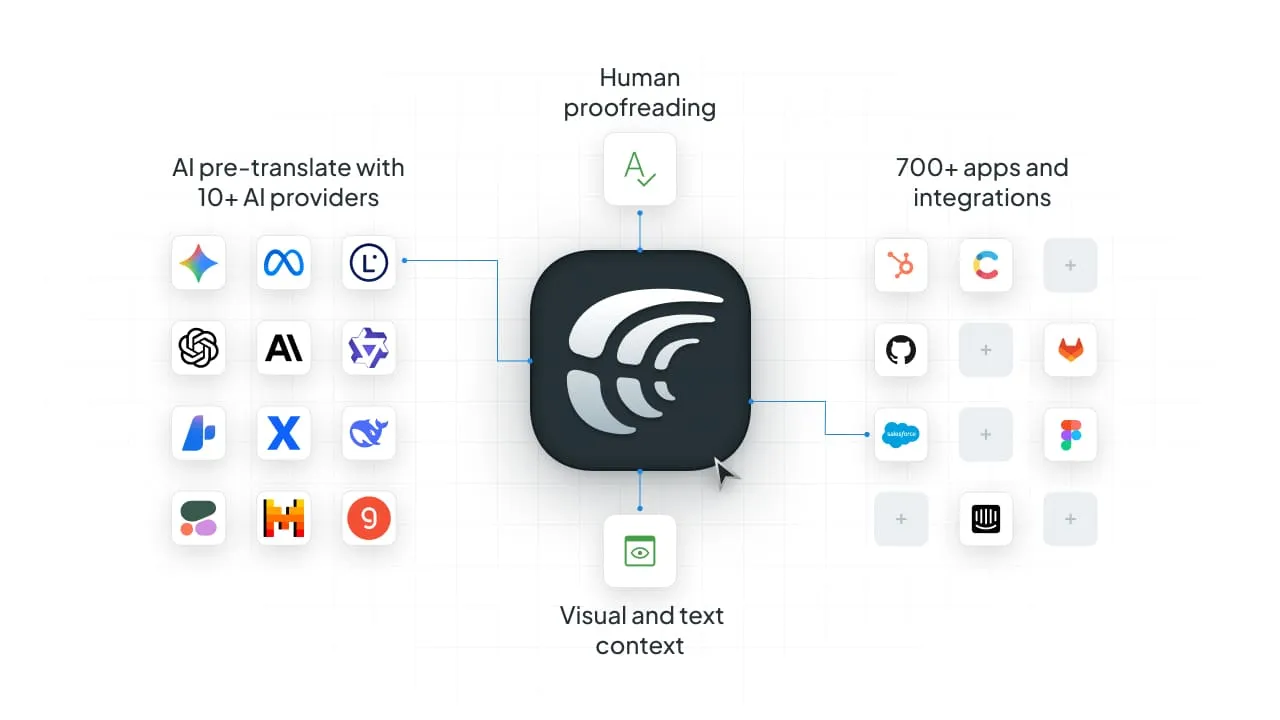
Here is why Crowdin is the best tool for your next project:
- You’re never locked in. You have the freedom to jump between OpenAI, Google Gemini, Anthropic, or 10 other providers to find the best LLMs for translation for your specific project.
- AI actually “sees” what it’s doing. Instead of the AI working blindly, you can feed it text and visual context. This means fewer “hallucinations” and a much lower chance of a button label breaking your layout.
- Human quality is built-in. Crowdin lets you bring your own proofreaders or hire pros from the Crowdin Store to add that final human touch.
- Auto sync with your tools. Whether you are handling website localization or syncing content from tools like Zendesk or SendGrid, it can be done easily with over 700 apps and integrations.
In short, Crowdin isn’t just a place to translate your content with AI – it’s where you can build a continuous localization workflow.
Localize your product with Crowdin
FAQ
How much does AI translation typically cost?
Based on our testing of popular models like GPT, Gemini, and Claude, raw AI translation costs for standard documentation are extremely low, often ranging from $0.26 to $0.57 per 1,000 words. However, these costs can vary depending on the complexity of the content, such as mobile app UI or marketing materials requiring visual context.
Why does translating a mobile app cost more than a standard article?
Translating app interfaces (like .xml files) involves processing code structures, metadata, and keys. This overhead increases the total token count, making UI string translation 23% to 73% more expensive than translating plain text articles.
Does providing visual context to AI increase the price?
Yes. When you use multimodal capabilities (providing screenshots), it consumes more tokens. While this increases the price, it reduces translation errors and hallucinations by helping the AI understand where text is located, such as on a specific button or menu.
How does adding a glossary or translation memory affect AI costs?
Providing extra context, like a glossary or translation memory (TM) increases the input token count. For example, providing 500 words of glossary context for every 100 words of source text can increase AI costs by 3x to 5x. Despite the higher API cost, this often saves money overall by improving output quality and reducing the time needed for human editing.
Do I still need human proofreaders if I use AI translation?
Yes. While AI provides an excellent first draft at a very low cost (roughly $0.001 per word), professional human review is essential for brand consistency and risk management. Human proofreading typically costs between $0.04 and $0.08 per word, ensuring your content sounds native and professional.
Why should I use Crowdin instead of using AI APIs directly?
Crowdin acts as a complete ecosystem that charges no surcharges or fees on your AI consumption. You pay the direct API rates of the providers. It also allows you to:
- Switch easily between 10+ AI providers.
- Sync content automatically via 700+ integrations.
- Manage context and human proofreading in one place.

Yuliia Makarenko
Yuliia Makarenko is a marketing specialist with over a decade of experience, and she’s all about creating content that readers will love. She’s a pro at using her skills in SEO, research, and data analysis to write useful content. When she’s not diving into content creation, you can find her reading a good thriller, practicing some yoga, or simply enjoying playtime with her little one.